Guides
Start with Set up an N810 to choose the installation route for your tablet. You can also explore Pocket on a laptop or build an individual component. The references describe the hardware, controls, and service interfaces.
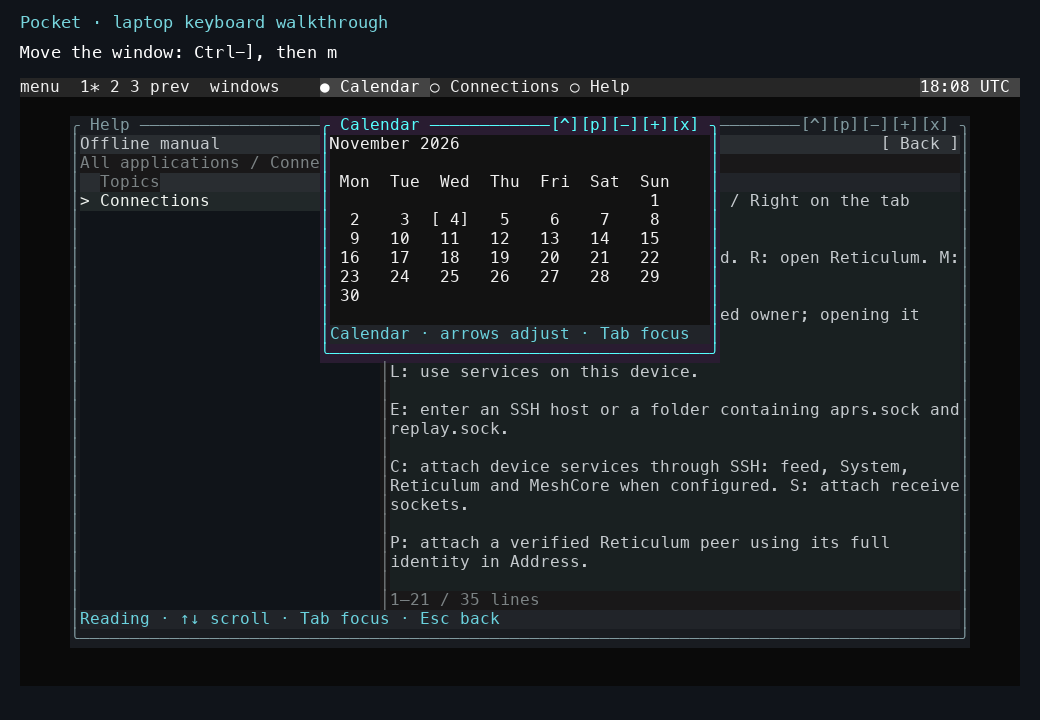
Start with the recorded laptop tour to see the controls, then use the tutorial below to try them.
Tutorial
Explore a local Pocket session walks through launch, Help, window navigation, exit, and reopening your saved session.
The laptop window-controls tour demonstrates the same controls in a recorded local session.
Explore the overview and backgrounds shows desktop miniatures, window previews, Matrix, rain, snow, leaves, flowers, and Flux. The APRS recording demonstrates packet selection, map navigation, inspection, and tmux windows.
How-to guides
- Use Pocket over SSH.
- Build the N810 kernel and modules.
- Build the HTIT firmware.
- Rebuild and inspect map data.
- Start the N810 GPU desktop.
- Run Symbian applications.
- Build the Mac/Linux graphical desktop.
- Build the local native compositor.
- Build and test the 30 FPS GPU driver.
- Run the Pocket tests.
- Run the APRS map and tmux demo.
The detailed Pocket operator guides cover installation, Nokia packaging, RNode Bluetooth, and local owner recovery.
Reference
- Controls.
- Applications and dependencies.
- Kernel checkpoints.
- Acceleration checkpoints.
- Source map and current status.
Detailed protocol references cover service transports, external executors, service publication, and versioning.
Explanation
The implementation notes expand on apps and services, receive history, and touch acquisition. The 0.1.0 release notes record the integrated source scope.